Contents | Index | Previous | Next
Date Search
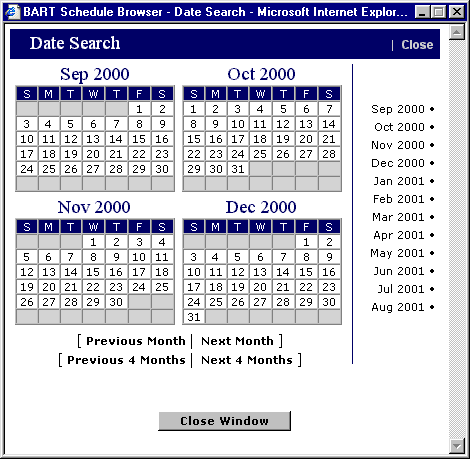
This Trip Planner feature is similar to the Jump to Date function found on the basic Calendar and Browse screens. Simply click on the desired date to apply it to the Trip Plan. The
screen will appear as shown below. A single click fills in month, day, and year.
 Return to Trip Planner