Contents | Index | Next
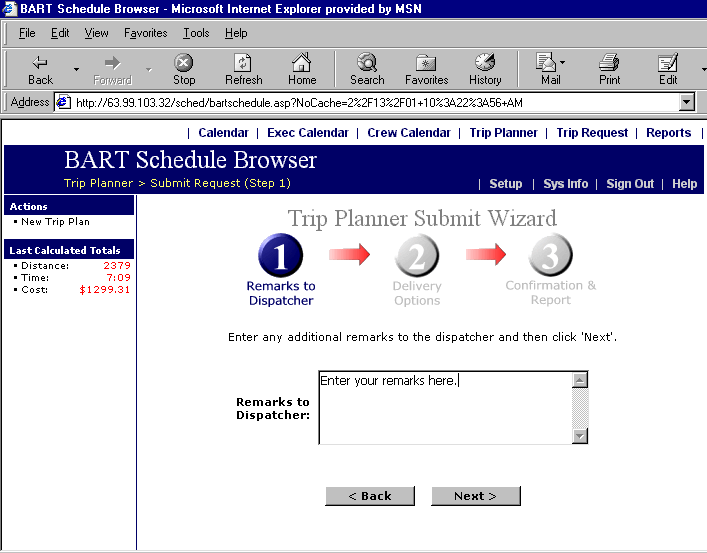
Trip Planner Wizard, Step 1
This feature is accessible either from the Submit Trip Request item in the
main menu or from the Submit Trip Request button at the bottom of the Trip Planner
screen. Click this button to begin the process of submitting your trip to the
dispatcher. Enter any general comments in the text box shown below and click Next. You may also click on Back if you are not satisfied with your trip.